
Try it on before you buy it.
Style Swap AI adds virtual try-on to your Shopify product pages. A shopper adds a photo and sees the garment on themselves, then downloads or shares the look.
Coming to the Shopify App Store. Awaiting Shopify’s approval.
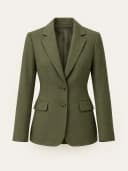
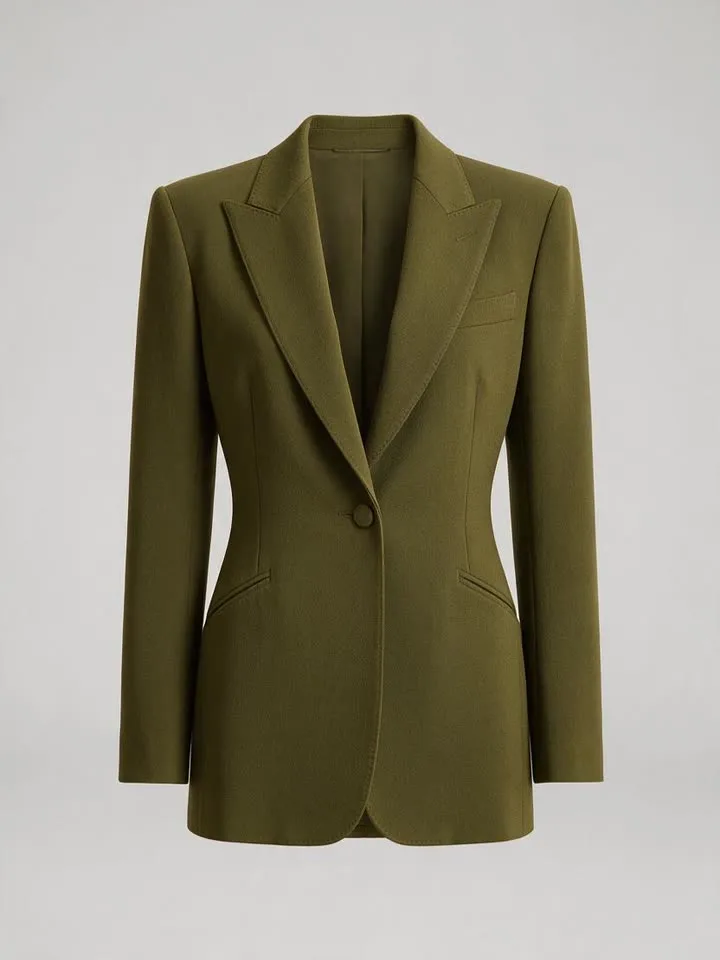 Tailored Blazer — Olive
Tailored Blazer — Olive
Prototype on a demo store. People and garments are AI-generated; the waits are simulated; the 360° clip is real.
How it works
Three steps, on the product page.
01
Add a photo
On the product page, the shopper taps the try-on button and adds a photo of themselves.
02
The piece is already chosen
The product they are looking at is preselected. There is nothing to search for.
03
See it on
The garment appears on them in a new image they can download or share.
Before and after
Same person. New piece.
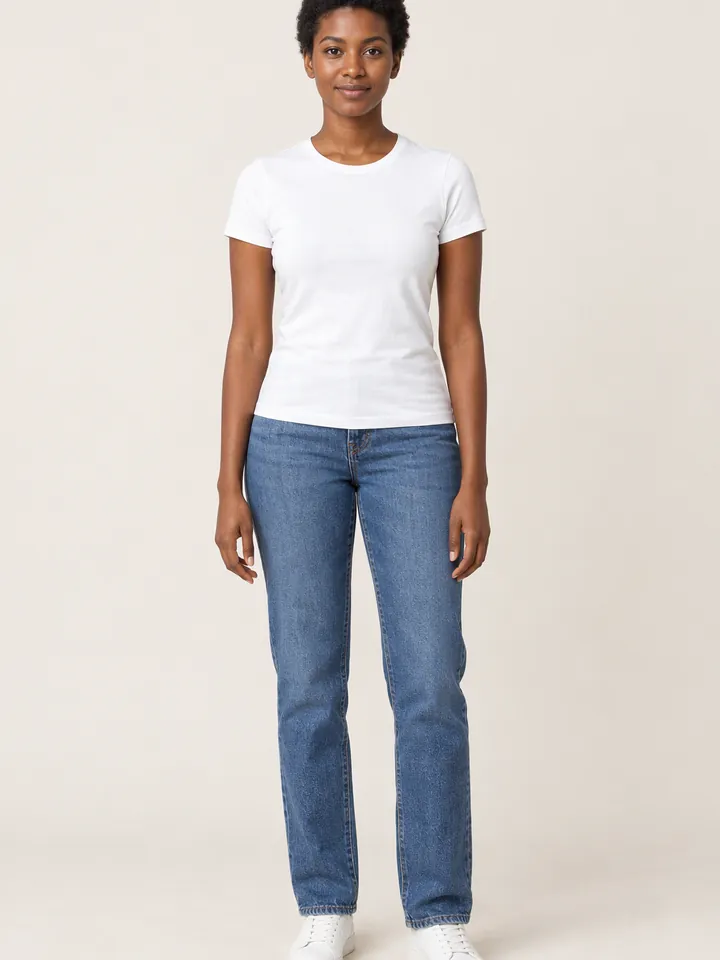
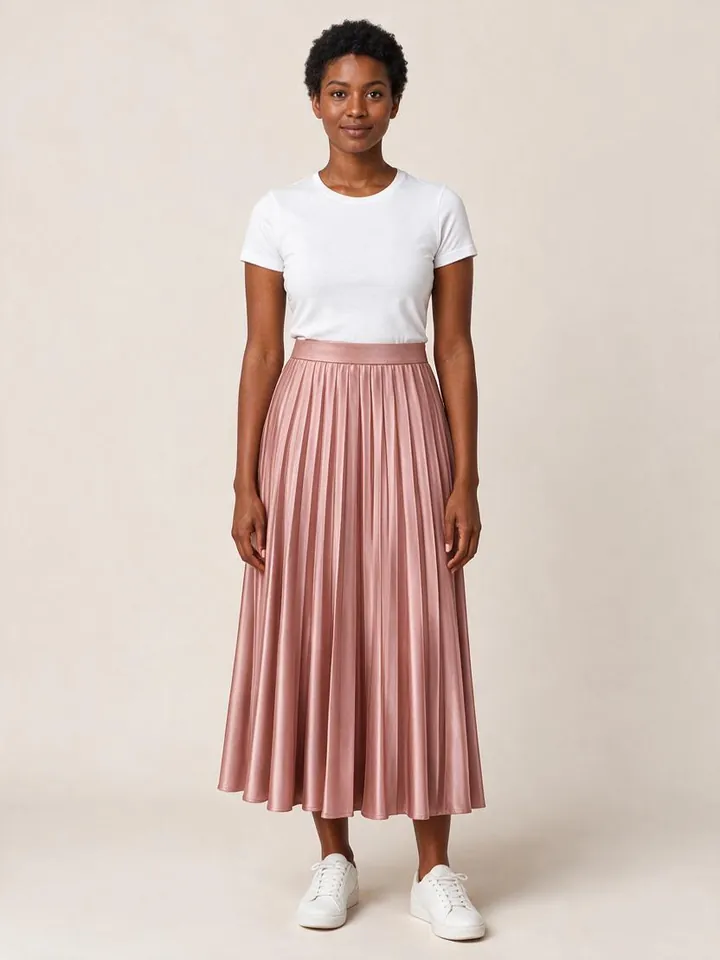
 Rose pleated skirt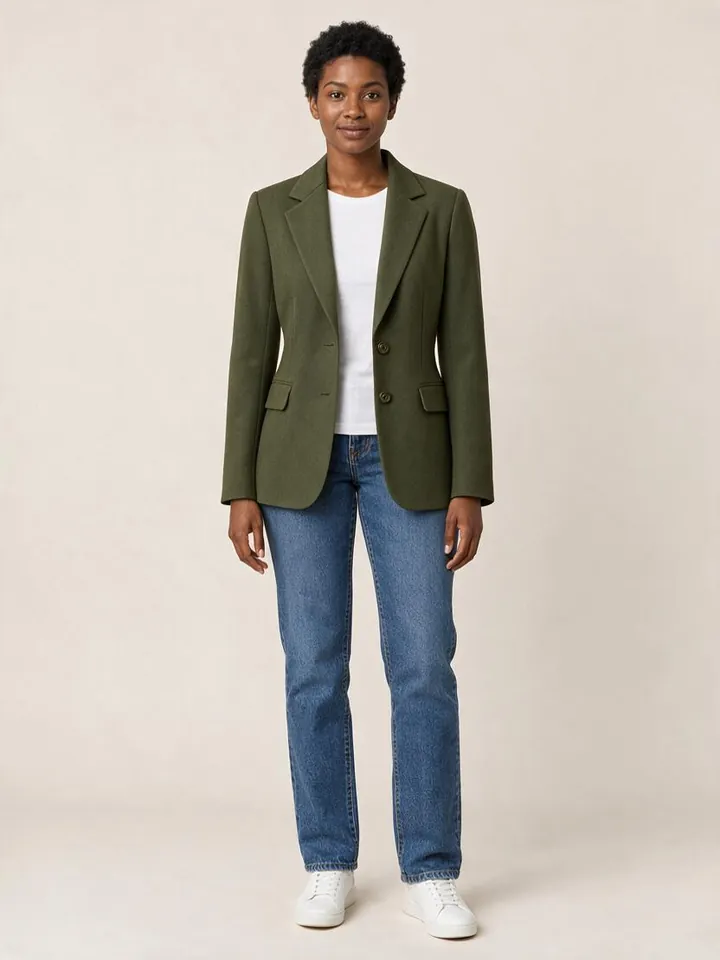
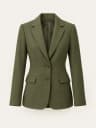 Olive tailored blazer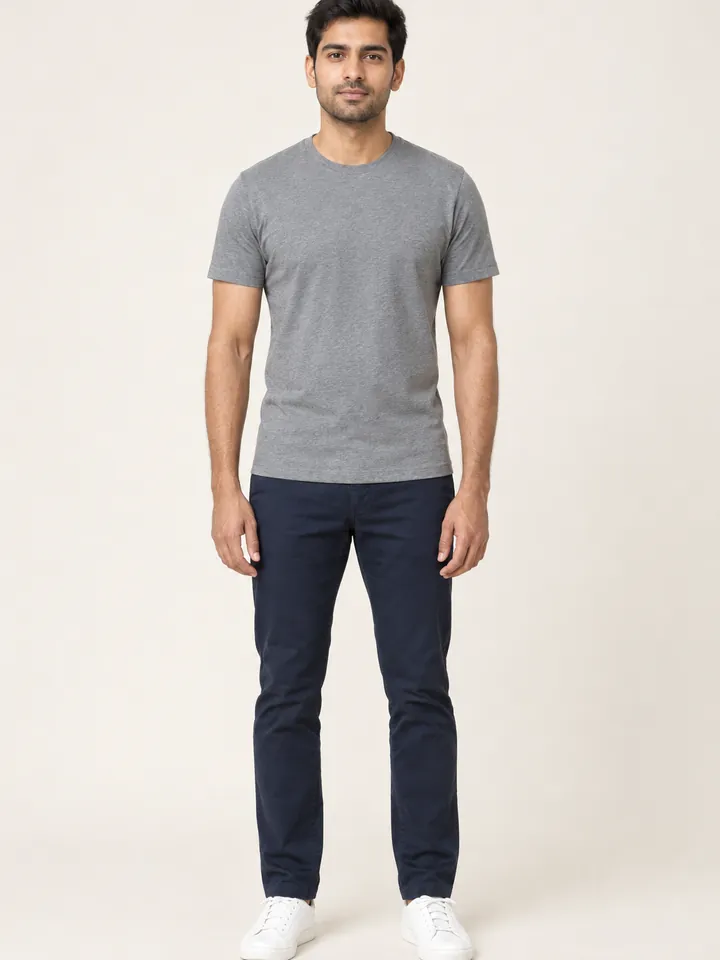
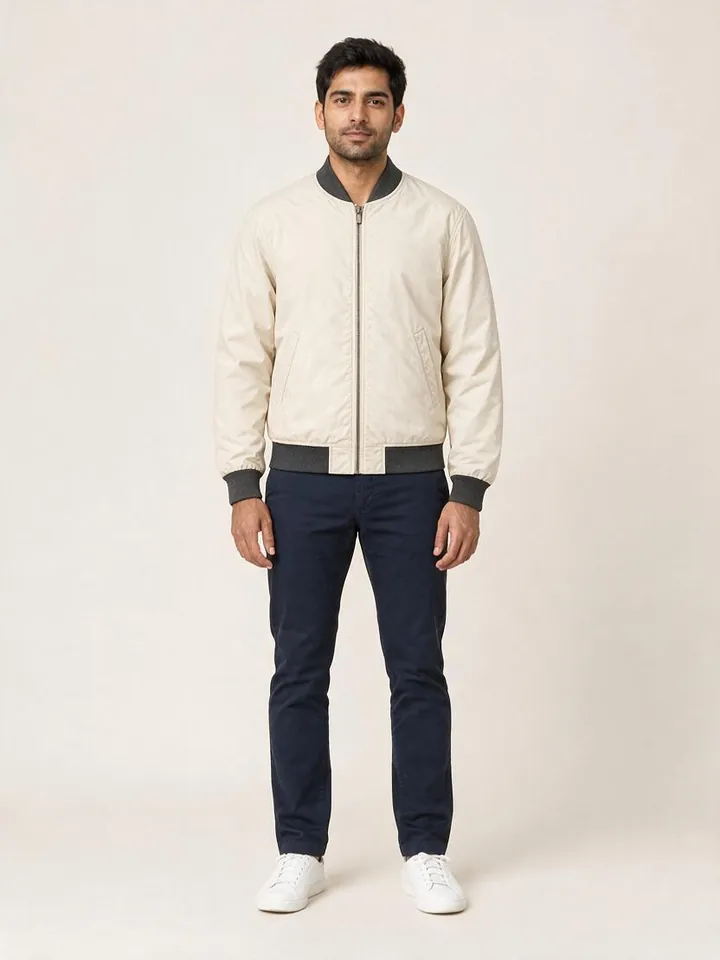
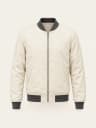 Cream bomber jacket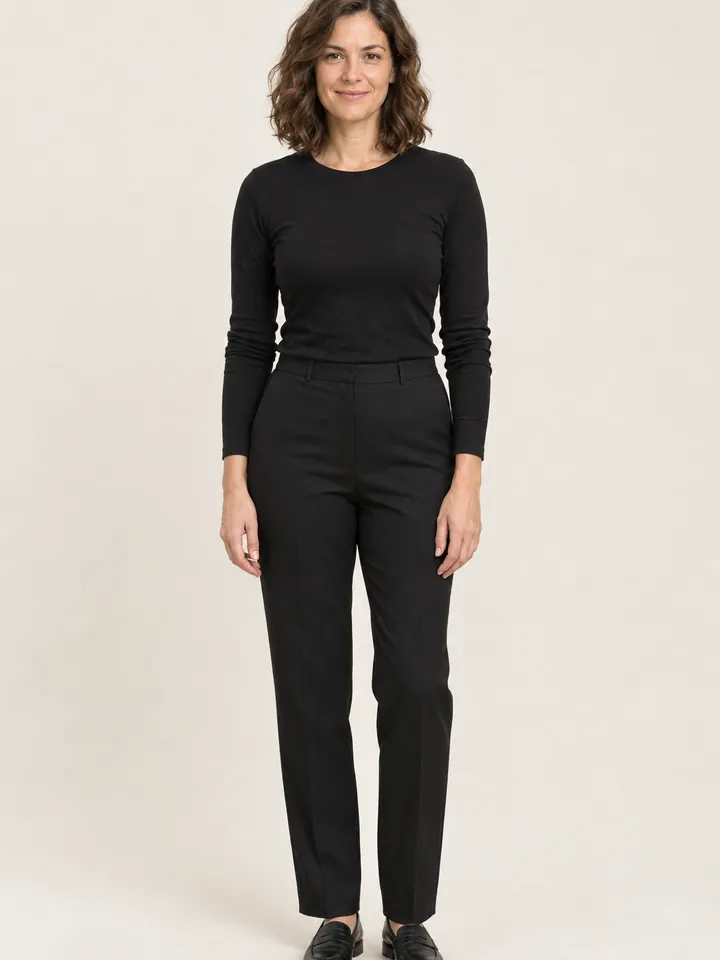
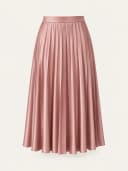
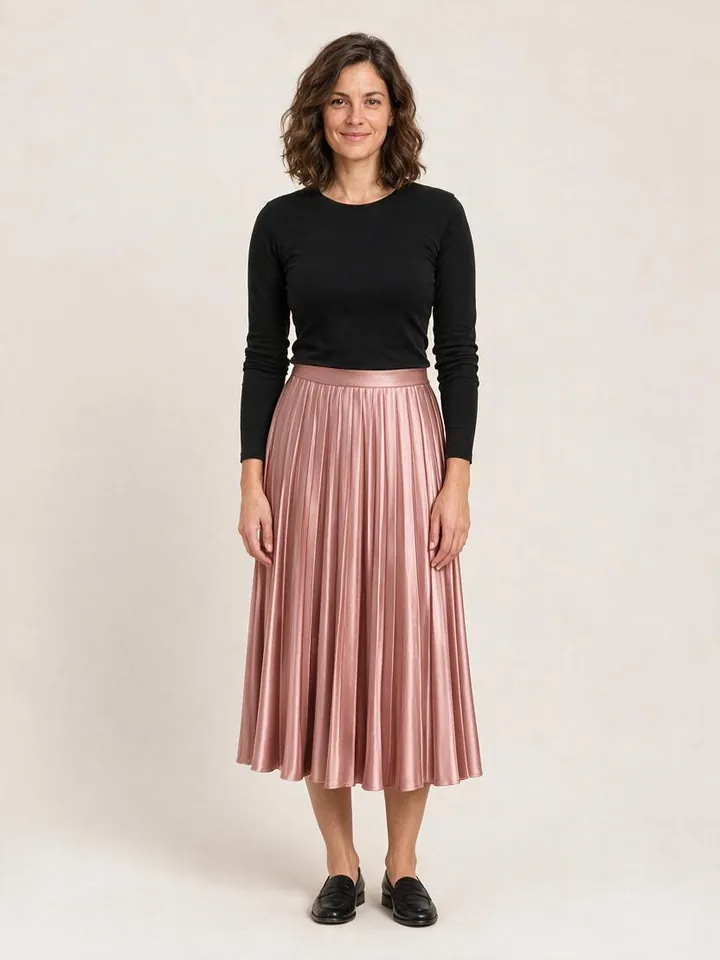 Rose pleated skirt
Examples. The people and garments are AI-generated, not real customers or products. Each result was made the way Style Swap AI makes it: the same model and the same instructions.
Build an outfit
Add more pieces from your store.
Next to the product they are viewing, a shopper can add up to two more items from your store and see the whole outfit on themselves.
Examples. The people and garments are AI-generated, not real customers or products. Each result was made the way Style Swap AI makes it: the same model and the same instructions.
See it in…
Then picture it somewhere else.
After a try-on, the shopper can restyle the image in a new setting.
- Night
- Outdoor
- Wedding
- Beach
- Soft studio light
For your store
Set up in the theme editor.
- In your theme, not your code
- Turn on the app embed in the theme editor and place the Style Swap AI block on your product template.
- Your button, your colours
- Set the button label, colours and corner radius in the app, with a live preview.
- Two quality modes
- Quick is built for speed. Higher quality adds detail for a little more credit. Set a default for your store.
- Every try-on in one place
- The Try-ons gallery shows the garment, the shopper photo and the result for each try-on.
Plans
Pick the volume that fits your store.
Every plan starts with a 7-day free trial.
Trend
$19.99/ month
- 100 try-ons included
- $0.16 per try-on after that
- 7-day free trial
Runway
$49.99/ month
- 500 try-ons included
- $0.12 per try-on after that
- 7-day free trial
Unlimited Fashion
$199.99/ month
- 2,000 try-ons included
- $0.09 per try-on after that
- 7-day free trial
Prices in USD, billed through Shopify every 30 days: the plan price plus any try-ons beyond those included. The plan screen inside the app shows the current terms when you install.
Shopify
A Shopify app, start to finish
Installed from Shopify, billed through Shopify, placed with the theme editor. The try-on reads your product images; carts and checkout are left alone.
Shopper photos
Used for the try-on, then deleted.
Photos and results are processed by a third-party AI provider and kept for about 30 days so the shopper can come back to their look, then deleted on a rolling basis. Read the privacy notice.
Book a demo
See it on your store.
20 or 30 minutes, screen shared: the try-on, Build an outfit, setup in your theme, and your questions.
Calendar not loading? Open it on Calendly ↗
Resources
- Documentation
Theme embed, product block, quality defaults, button branding and the try-ons log.
- FAQ
Plans, credits, photo retention, billing trial and storefront troubleshooting.
- Privacy
How shopper photos and try-on data are handled, including retention and AI processing.
- Changelog
Release notes for the Style Swap AI Shopify app.
Unrelated mobile apps or websites that use similar names are not this product. The public Shopify app name is Style Swap AI.